

Company
OlyLife Video Guide: How to Use the Video Library
An OlyLife video guide to the library: what each group of videos covers, which to watch first, how to watch with care, and how videos fit with the written pages.
The OlyLife video library holds 68 approved videos, grouped by topic on one page. This OlyLife video guide shows what each group covers, which videos to watch first, and how to watch with care. If you want to start right now, open the video library and use the menu at the top to jump to a group.
What is in the library
The library is split into groups, so you can go straight to the one you need.
| Group | What you will find | Good for |
|---|---|---|
| Product intros | Official introductions and unboxings for each device | Learning what a device is |
| How-to guides | Set-up and use, step by step | Your first session and daily use |
| Safe use | Official safe-use and precaution videos | Checking before you use a device |
| Customer stories | Customers, reviewers and distributors in their own words | Hearing how other people use a device |
| The business | Videos that explain how the plan works and how the team side runs | Understanding the business |
| Events and highlights | Highlights from OlyLife events around the world | Seeing the company community |
| From OlyLife itself | Company videos | Getting to know the company |
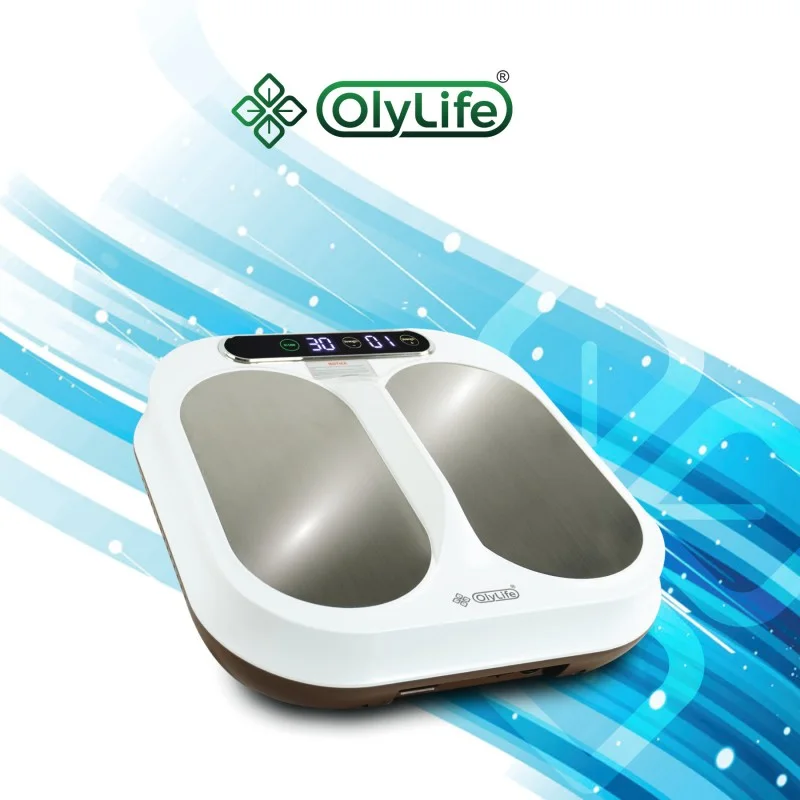
A good order for first-time viewers
If you are new to OlyLife devices, this order works well. It follows the questions most people ask.
- Product intro. Start with the intro for the device you own or are thinking about. It shows what the device is, in a few minutes.
- How-to guide. Watch how to set it up and run a session.
- Safe use. Watch the safe-use videos before your first session, and read the safe-use page too.
- Stories. Last, watch a few customer stories to hear how other people fit a device into their week.
You do not need to watch everything. Pick the groups that match your questions.
Who made the video?
Videos in the library come from different sources. Some are posted on OlyLife's own channel. Others are made by customers, reviewers and distributors. Knowing the source helps you decide how to use what you see.
- OlyLife's channel. Good for product introductions, how-to guides, safe-use videos and company news.
- Customers and reviewers. Good for hearing real experiences. Each story is one person's view.
- Distributors and leaders. Good for hearing how people explain the business. They speak for themselves, not for OlyLife.
The library page has a button that opens OlyLife's official YouTube channel, if you want everything the company posts.
Watch with care
- Stories are personal. A story video is one person's experience. Results vary, and it is not medical advice.*
- Wording differs. Some videos, including older ones, use stronger wording than this site does. I do not repeat those claims. For facts, prices and safe use, rely on the written pages.
- Business videos explain; they do not promise. A plan video shows how bonuses are calculated. Read the earnings disclosure and the plan pages too, and remember that the official plan in the back office always prevails.
- Videos can go out of date. Plans, prices and policies can change. If a video says something that does not match this site, ask me which is current.
Languages and subtitles
Most videos are in English. Some are in Indonesian or Chinese, and a few are in other languages. Videos play from YouTube in privacy-enhanced mode, and subtitles follow your language when YouTube has them. Use the settings icon in the player to turn them on.
If you share videos with others
Share official videos where you can, and send the link rather than your own summary. Do not add health claims or income claims to the post. If you are a distributor, say who you are. If a friend asks about safety, point them to the safe-use list first.
Pair each video with a written page
A video is quick, and a page is easy to check later. Using both works best.
| Video group | Matching page |
|---|---|
| Product intros | The device pages |
| How-to guides | The how to use page |
| Safe use | The safe-use page |
| Customer stories | The stories page |
| The business | The leader voices page |
Where to go next
Open the video library and jump to the group you need. If you have a question after watching, send it to me and I will answer it in plain words.